 OpenDBC
Tutorials
Each tutorial covers one topic with one short program. Read it, run it, change it. Download the source, collect any listed media and run it in the profile shown. Screenshots are captured from the programs running in OpenDBC.
Every listing can be downloaded. An excerpt downloads as a complete program that runs on its own, and every program is compiled and run with OpenDBC before the site is published.
Use the project's media. Tutorials that need a texture, a model or a sound use files
from the repository's examples/ folder. They are CC0: copy them next to your .dba
and reuse them in your own games. The Download link on each listing saves the source only;
the files under “What you need” are separate.
dbc DarkBASIC Classic
New to DarkBASIC? Start here, in order. Run them with --dialect dbc.
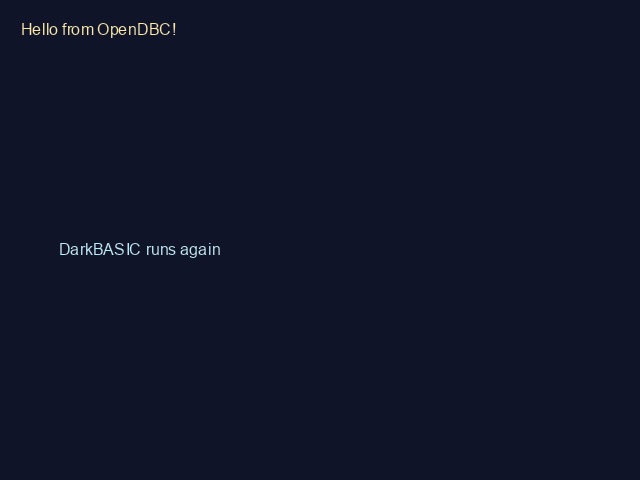
1. Your first program
Text, colours, the main loop and SYNC.
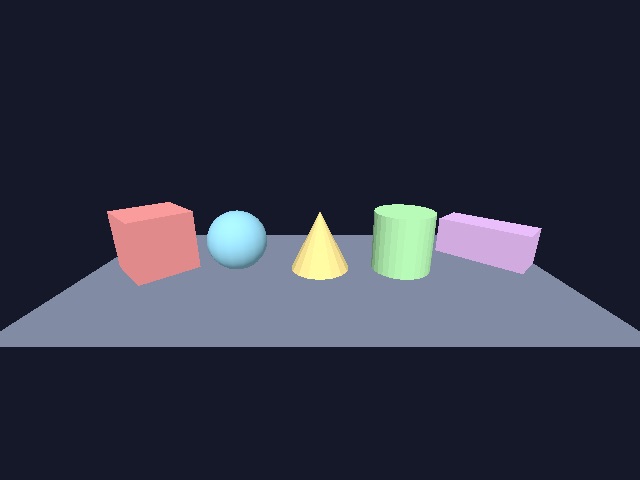
2. 3D primitives
Cubes, spheres, cones: make, place, colour and turn them.
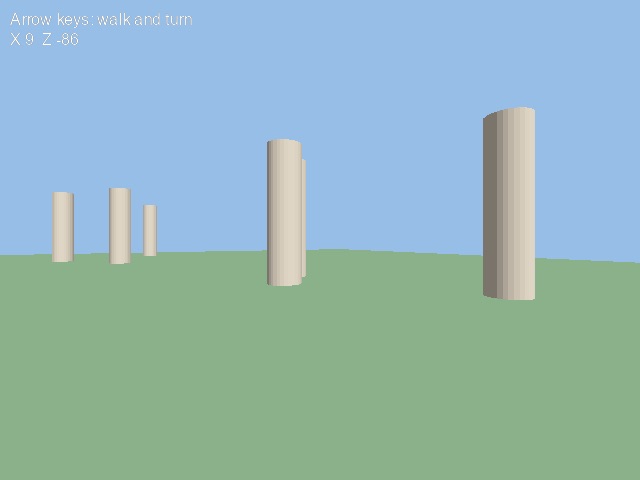
3. Moving the camera
Walk through a scene with the arrow keys.
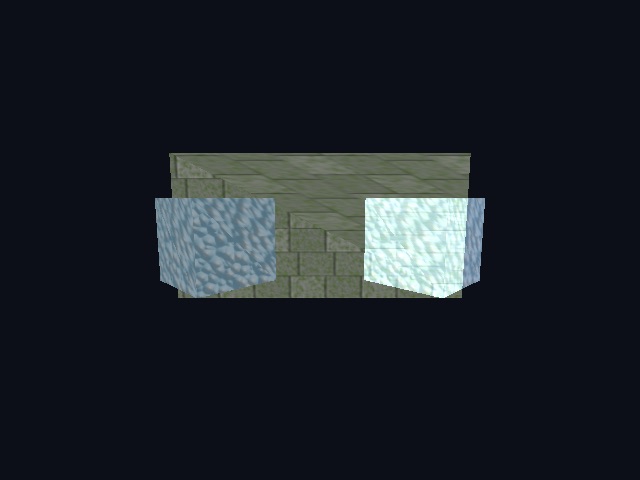
4. Textures
Load images, wrap them on objects, tile, scroll and ghost them.
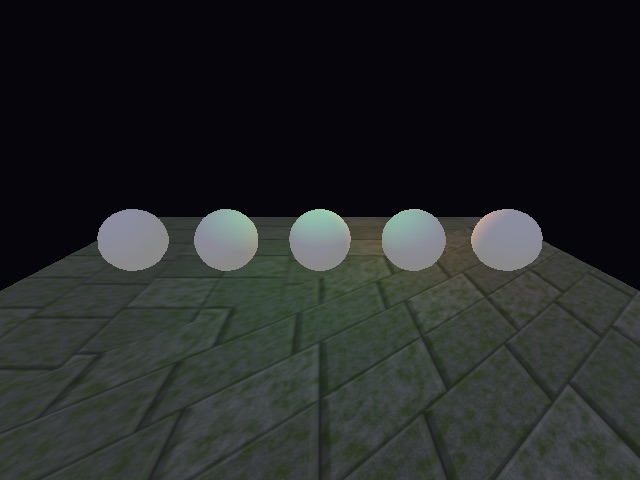
5. Lights
Ambient, directional, point and spot lights.
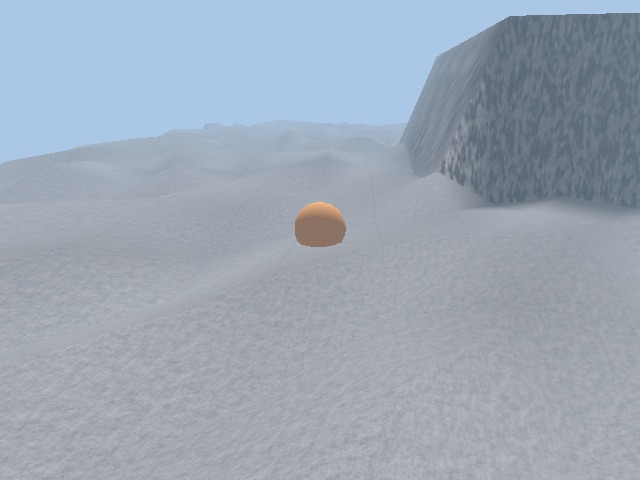
6. Matrix terrain
Hills from a grid, textured tiles and ground height.
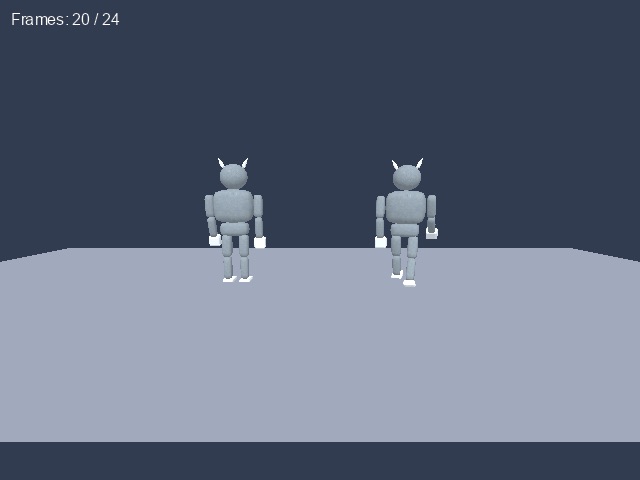
7. Loading models
Load animated .x models and play their animations.
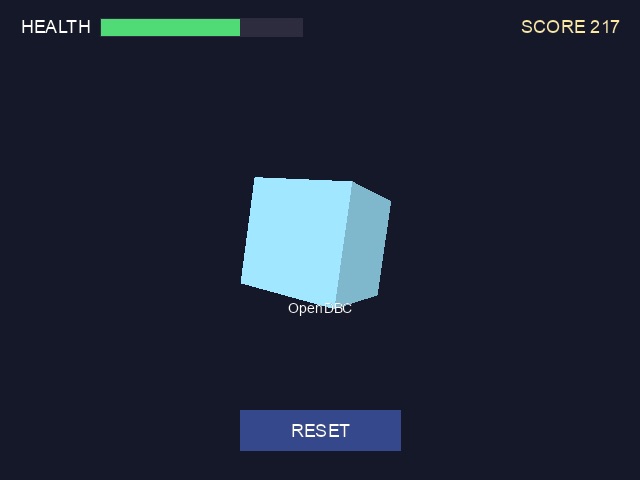
8. HUD and UI
Text, health bars and a clickable button over a 3D scene.
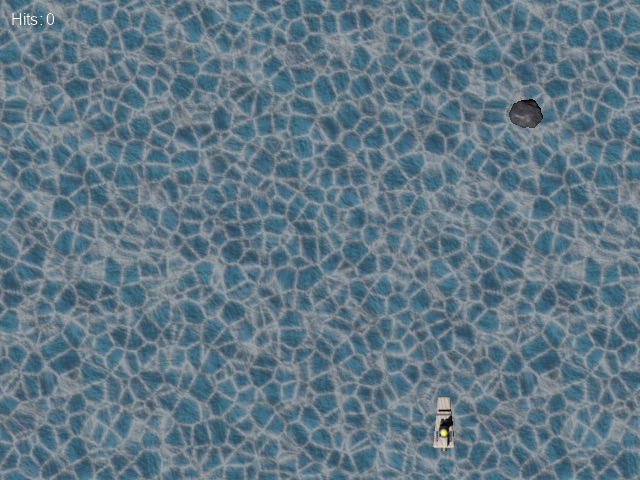
9. Sprites
A 2D background, moving sprites and collisions.
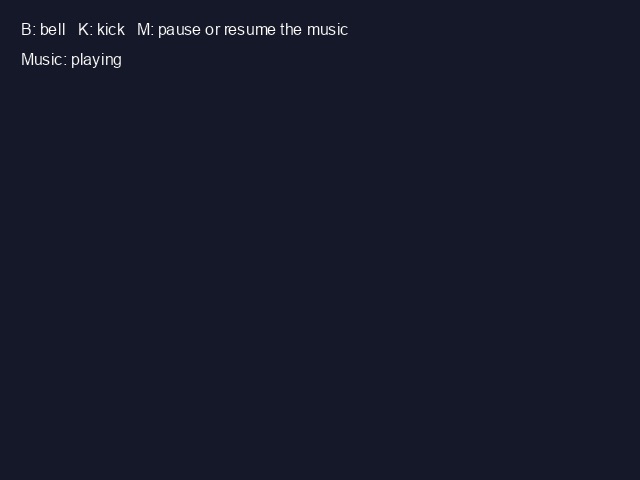
10. Sound and music
Sound effects on key presses and looping music.
dbpro DarkBASIC Professional
Explore Professional types, vectors, cameras, picking and physics. Run them with --dialect dbpro.
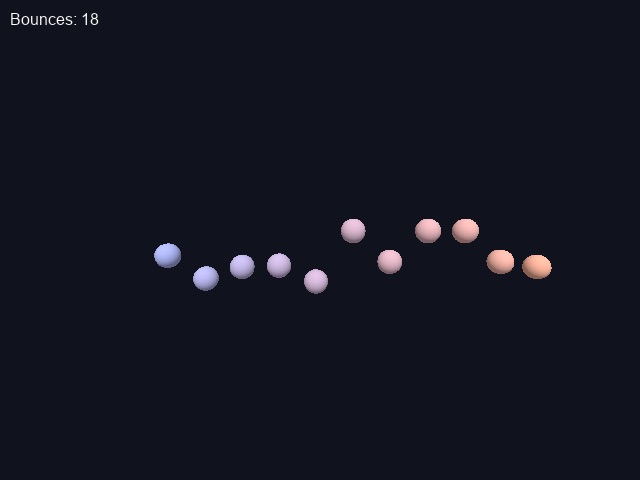
Types and functions
User types, typed arrays, globals and constants.

Vectors
Vector3 maths to make one object chase another.
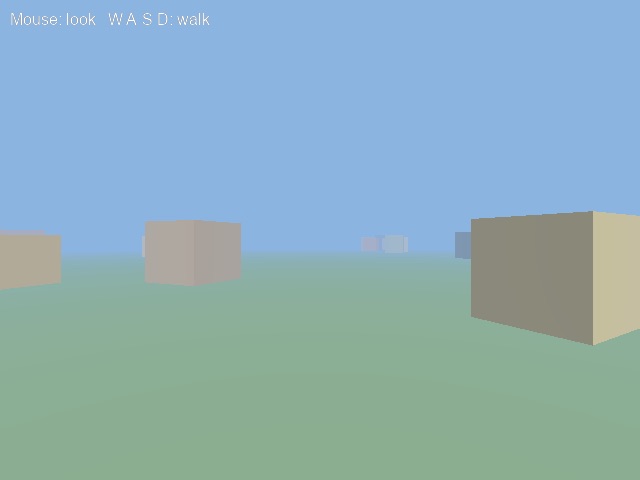
First-person camera
Mouse look and WASD movement.
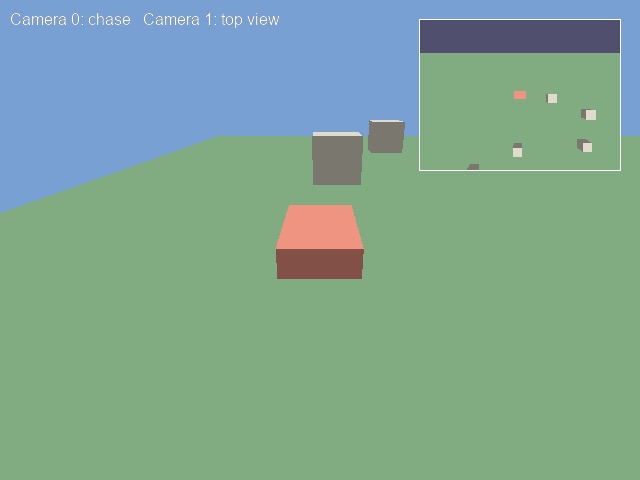
Several cameras
A chase view and a top view on screen at once.
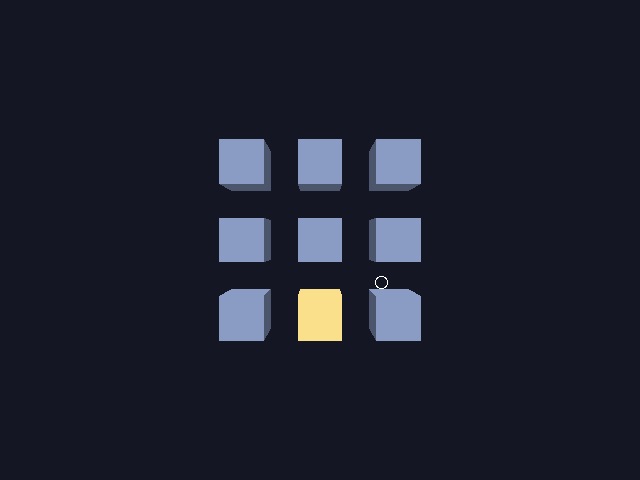
Clicking 3D objects
Find the object under the mouse with PICK OBJECT.
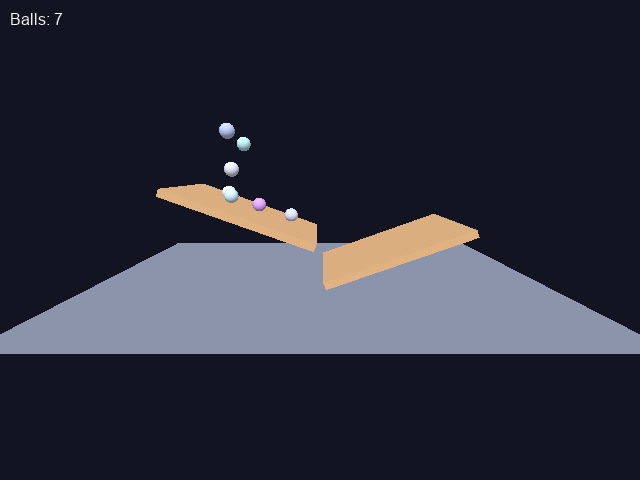
Physics
Falling balls and ramps with the ODE commands.
Want more?
The repository holds bigger programs that cover every Classic command, family by family, in
examples/dbc/tutorials/,
and six complete demo games in
examples/dbc/demos/.
The reference walks through each of them.
For Professional projects, explore the
DBPro demos.
The imported DBPro help examples have varying support; see the
example status guide.