 OpenDBC
Tutorials › dbc Classic › 10
Sound and music
Sound effects on key presses, and a tune playing in the background.
What you need
bell.wavexamples/dbc/tutorials/sound/Soundkick.wavexamples/dbc/tutorials/sound/MIDI musicharbour_waltz.midexamples/dbc/tutorials/music/All made for OpenDBC and released under CC0.
Sounds
LOAD SOUND reads a WAV file into a numbered slot, PLAY SOUND plays it once and
LOOP SOUND repeats it. Playing a sound again restarts it.
load sound "bell.wav", 1
play sound 1
Music
Music has its own slots. LOAD MUSIC, then PLAY MUSIC or LOOP MUSIC;
PAUSE MUSIC and RESUME MUSIC do what they say.
load music "harbour_waltz.mid", 1
loop music 1
MIDI files. OpenDBC plays MIDI music with a built-in General MIDI
sound bank, so it sounds the same on every platform and in exported games. If an MP3 or a WAV with the
same name sits beside the .mid, OpenDBC plays that file instead.
One press, one sound
INKEY$ returns the key held right now, for as long as it is held. Remember the previous key
so a press plays the sound once:
rem Sound and music - OpenDBC tutorial (DarkBASIC Classic)
rem Media: bell.wav, kick.wav (examples/dbc/tutorials/sound)
rem        harbour_waltz.mid (examples/dbc/tutorials/music)
sync on : sync rate 60

load sound "bell.wav", 1
load sound "kick.wav", 2
load music "harbour_waltz.mid", 1
loop music 1

do
   cls rgb(20, 24, 40)
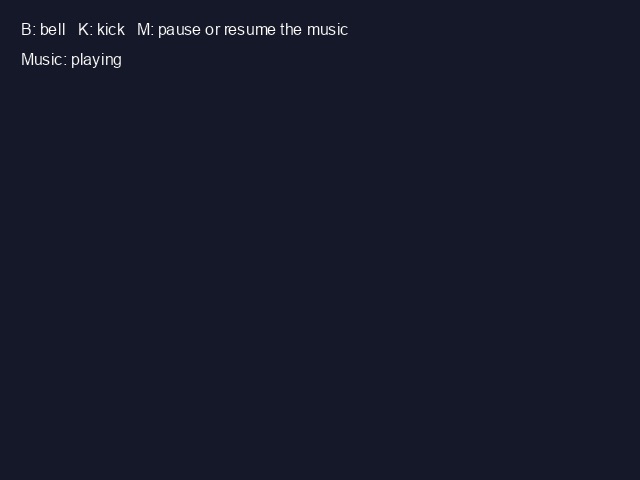
   text 20, 20, "B: bell   K: kick   M: pause or resume the music"

   key$ = lower$(inkey$())
   if key$ <> last$
      if key$ = "b" then play sound 1
      if key$ = "k" then play sound 2
      if key$ = "m"
         if music paused(1) = 1 then resume music 1 else pause music 1
      endif
   endif
   last$ = key$

   rem A metronome: the kick plays on its own every second
   if timer() - beat > 1000 then beat = timer() : play sound 2

   if music playing(1) = 1 then text 20, 50, "Music: playing" else text 20, 50, "Music: paused"
   sync
loop
Try this
- Change the pitch with
SET SOUND SPEEDand the stereo position withSET SOUND PAN. - Place sounds in 3D with
LOAD 3DSOUNDandPOSITION SOUND.
The repository's sound_board.dba
is a small drum machine.